🏫 Schools & homeschool families
Gr.RR–12
🇿🇦 Afrikaans & English
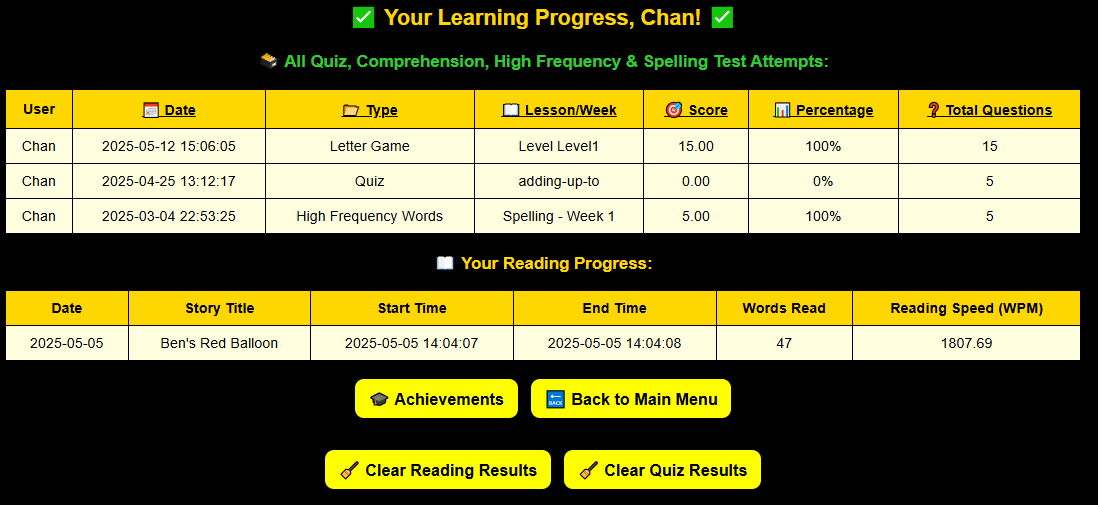
📊 Results per learner
One login. Every learner gets their own progress.

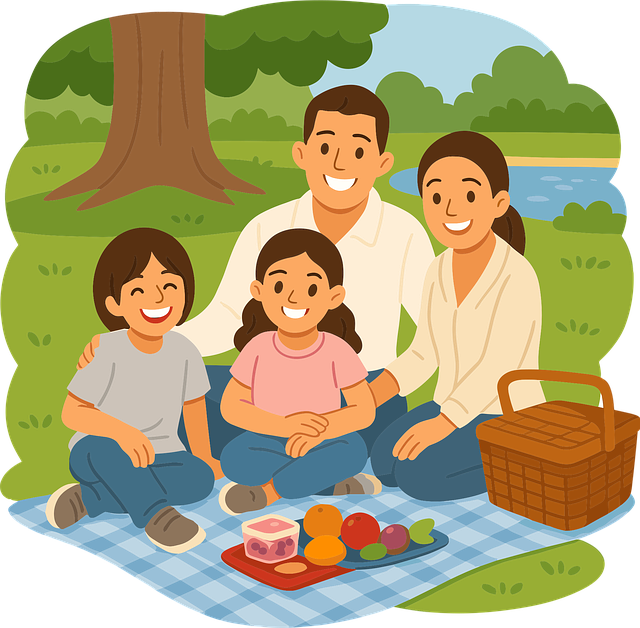
RockSeries makes it easy for schools and families to manage learners and track results — all in one place.
Register once as a school or family. Add learners by name and grade. Each child logs in, works through games and lessons, and you see their results instantly. Works on any PC, tablet or phone.
Join RockSeries today
⭐ Best Value
From R
125
per
month
2 children — only R150/month
Use on up to 2 devices · Get two grade groups
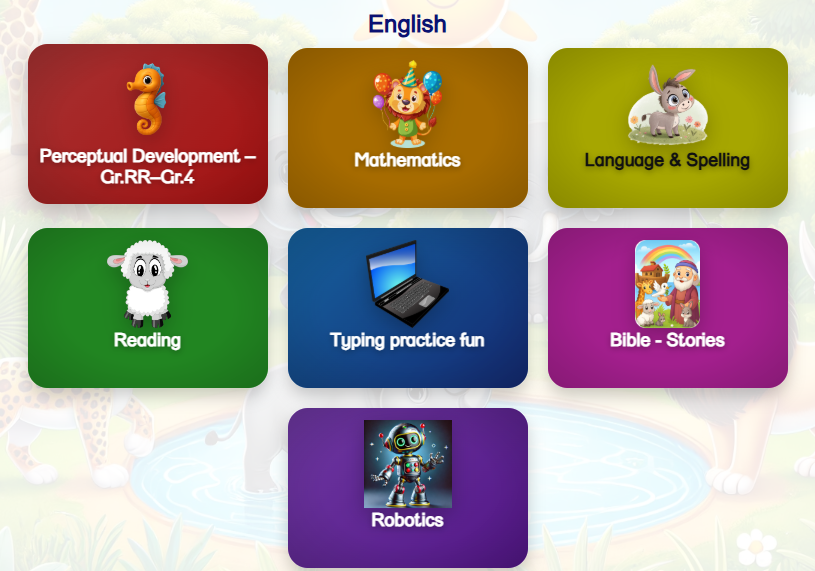
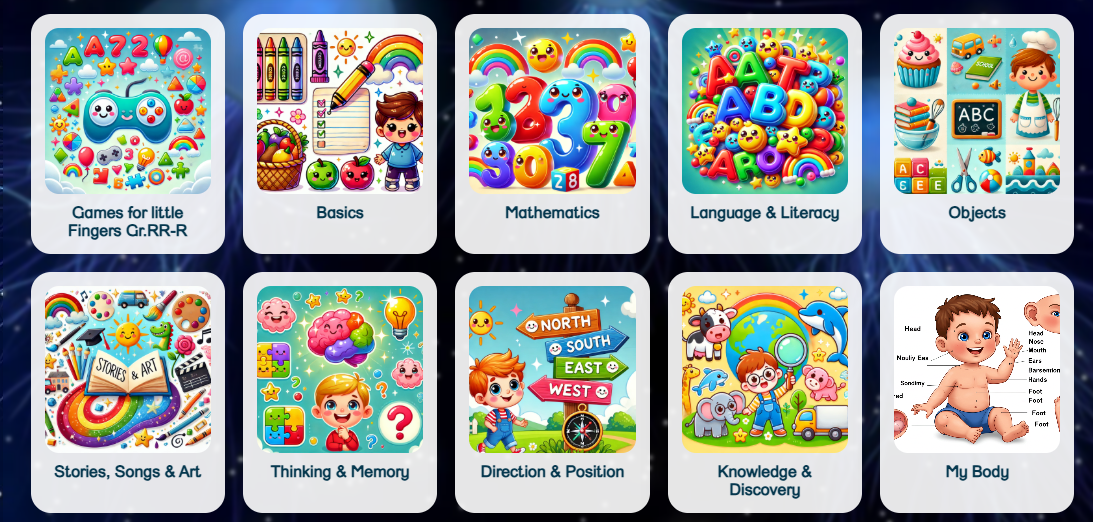
Everything included
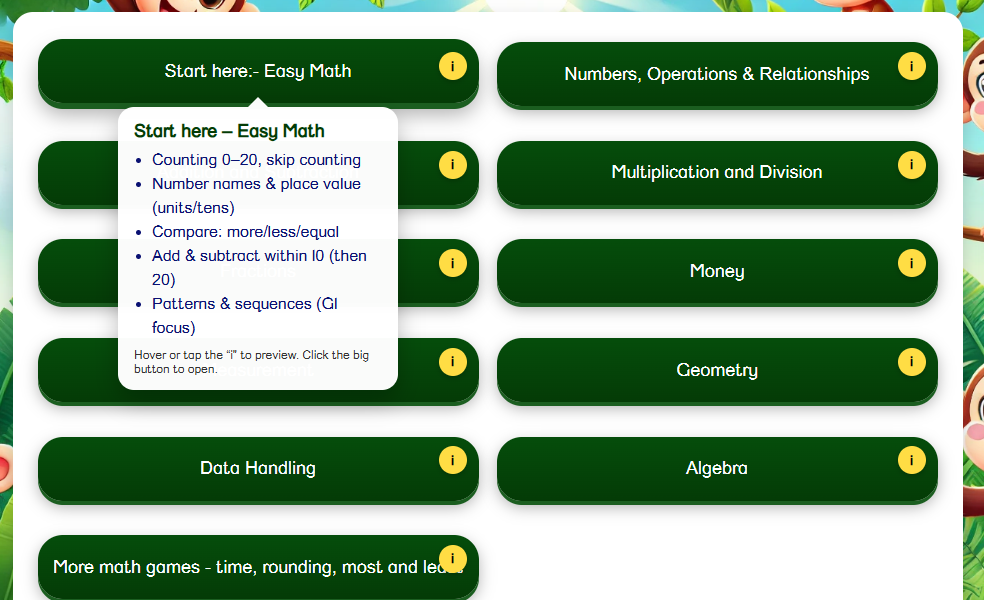
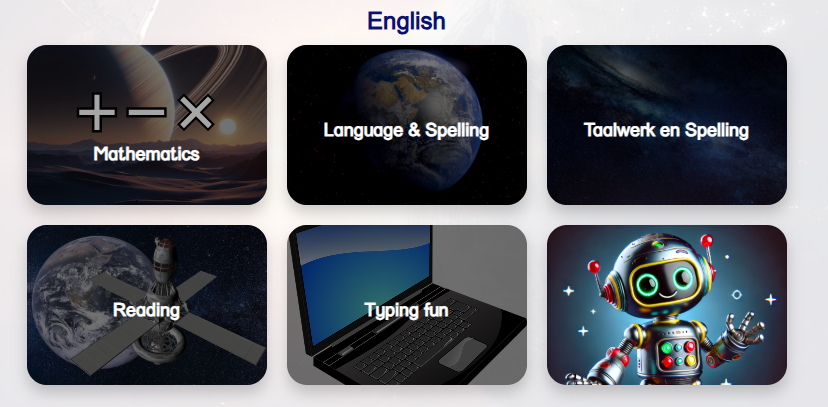
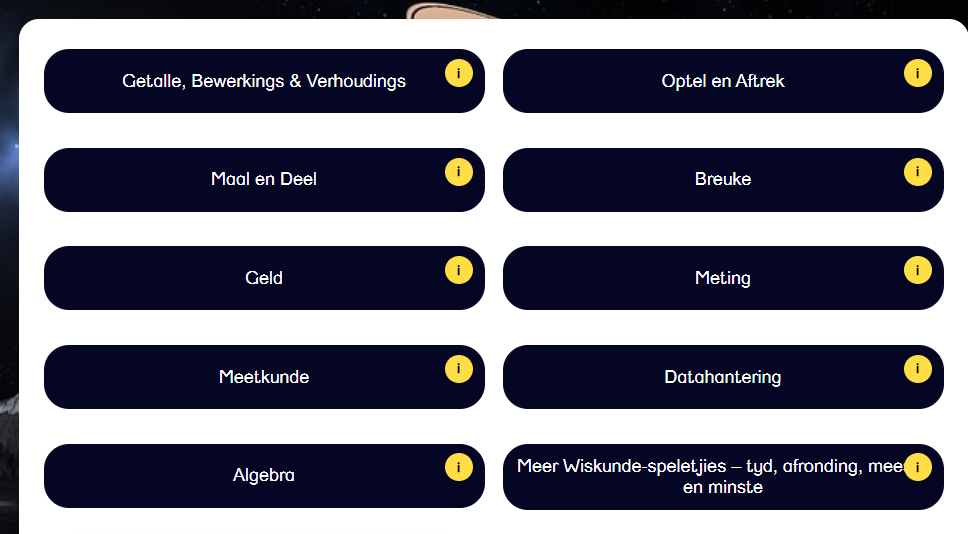
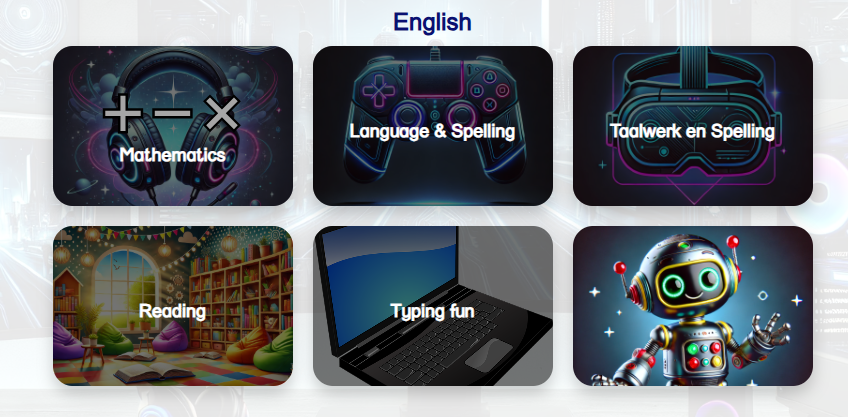
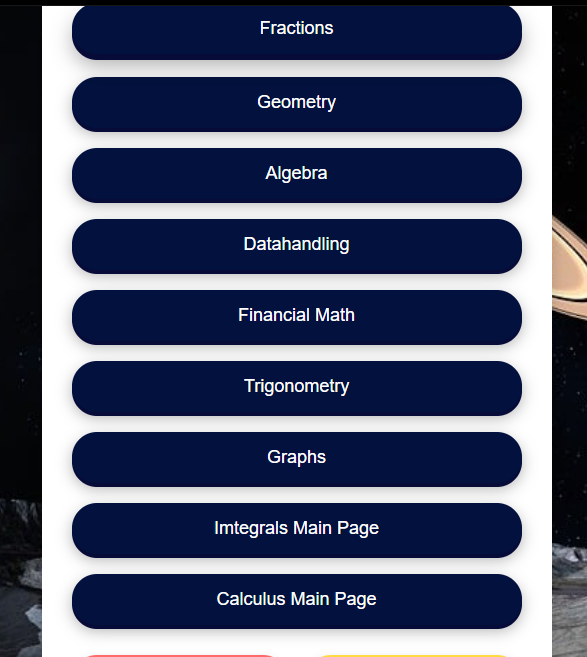
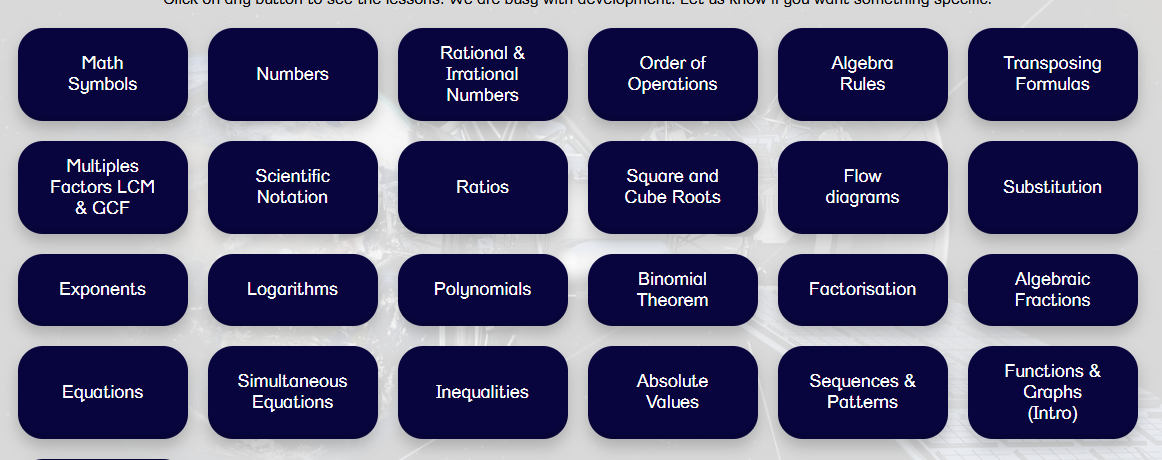
➗ Mathematics
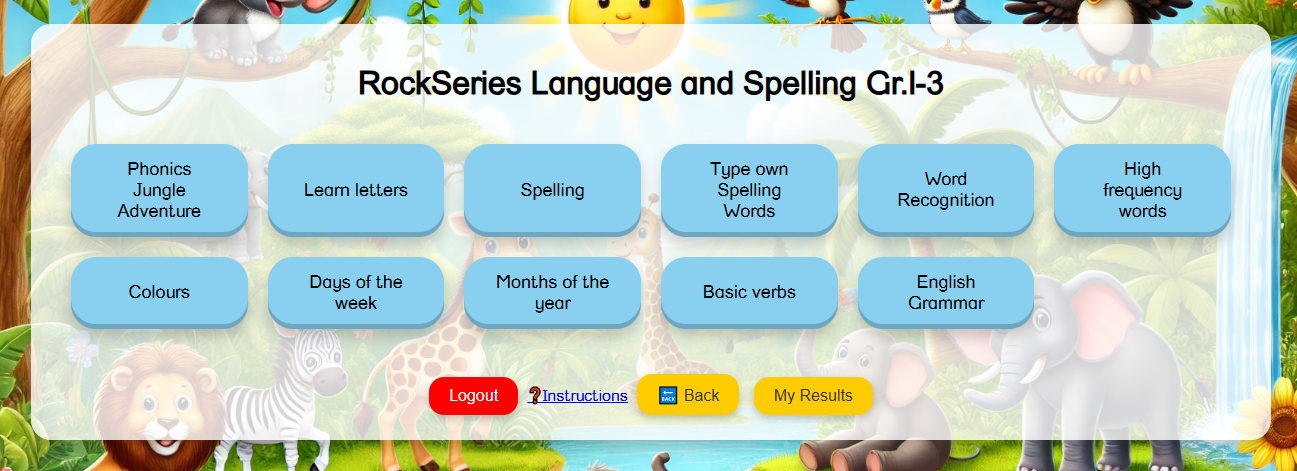
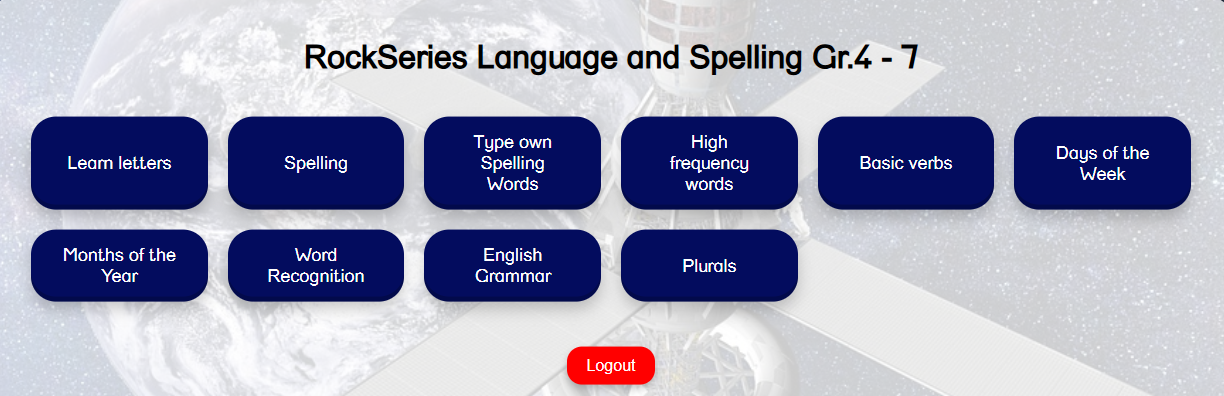
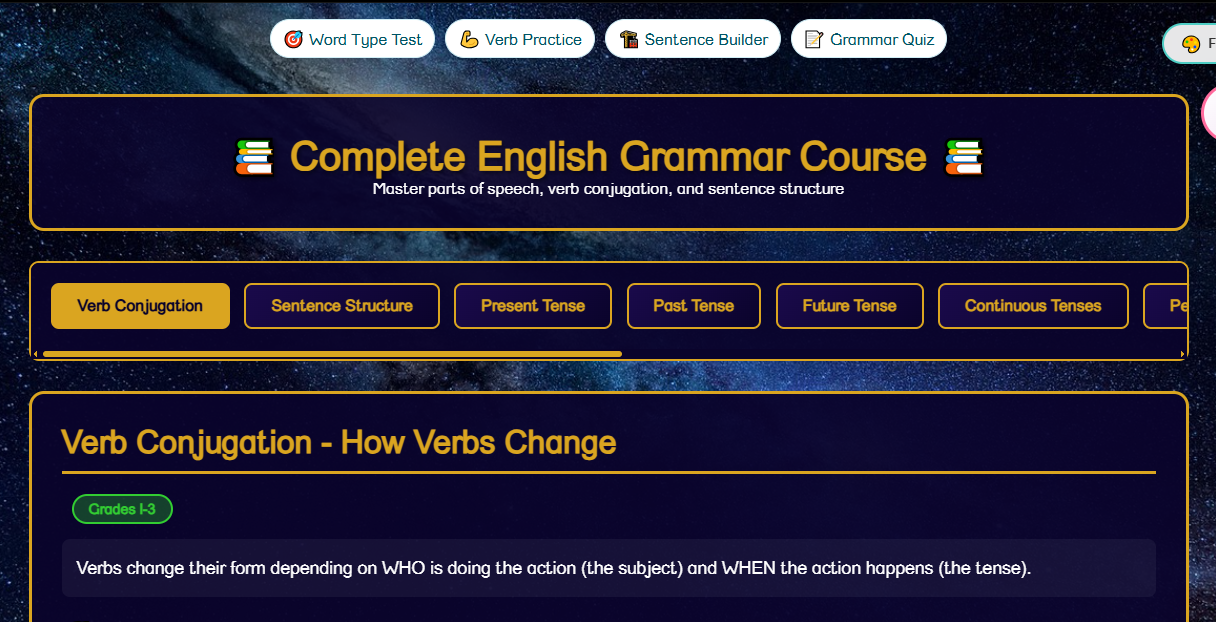
📘 English Grammar
🇿🇦 Afrikaans
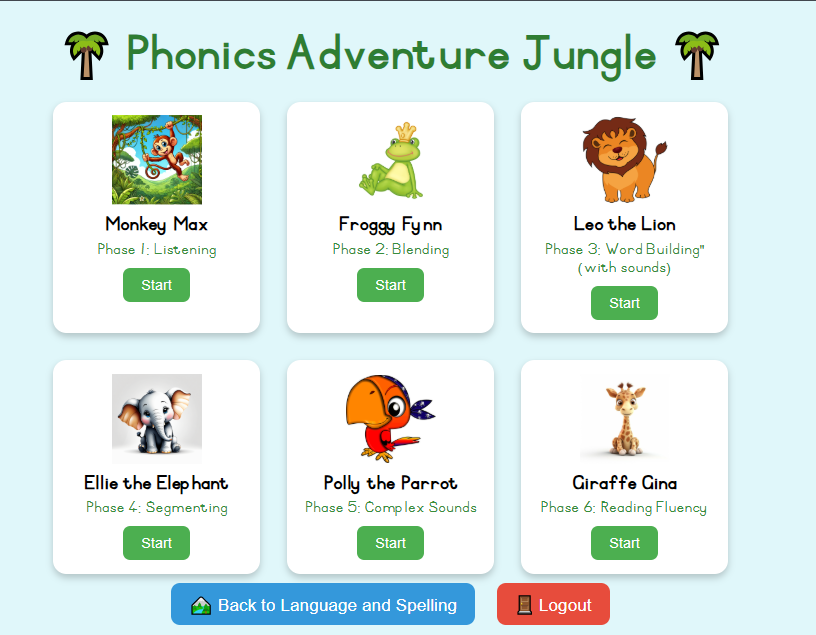
🔤 Spelling
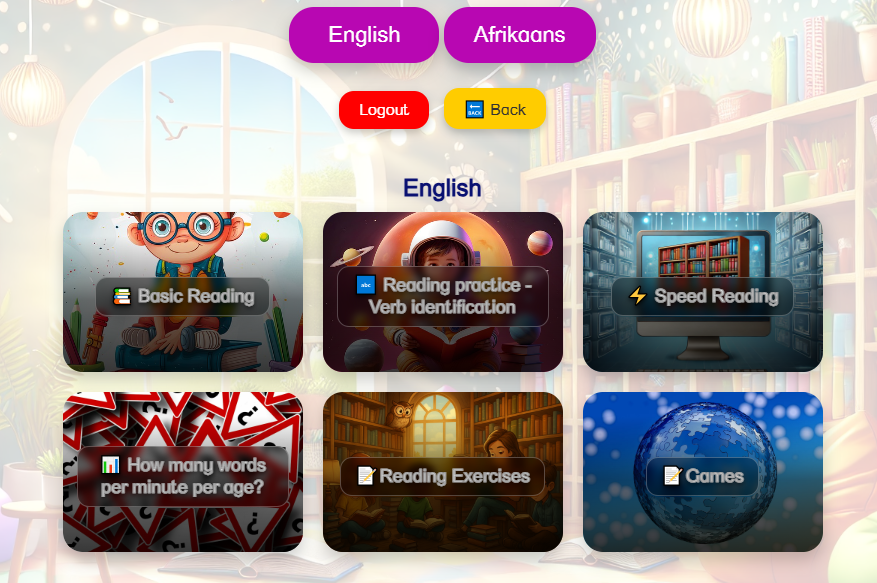
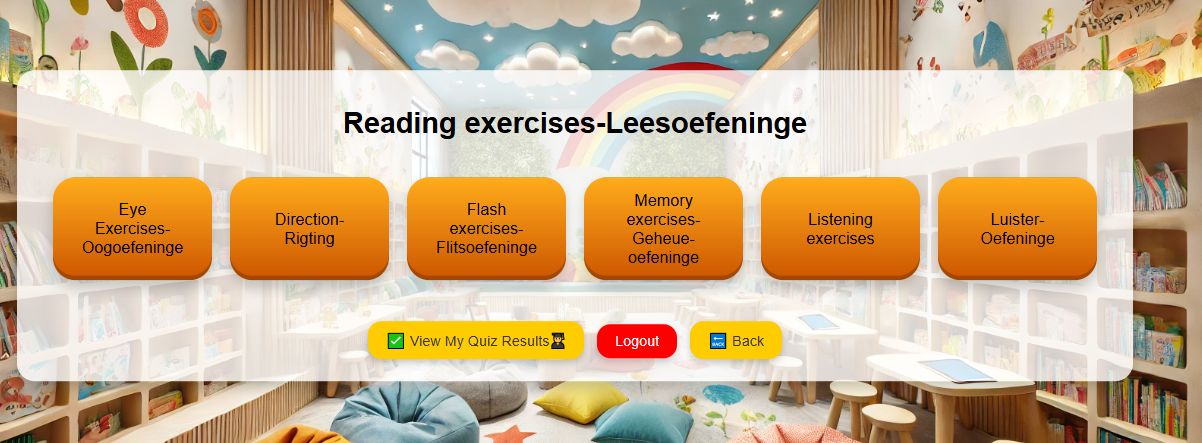
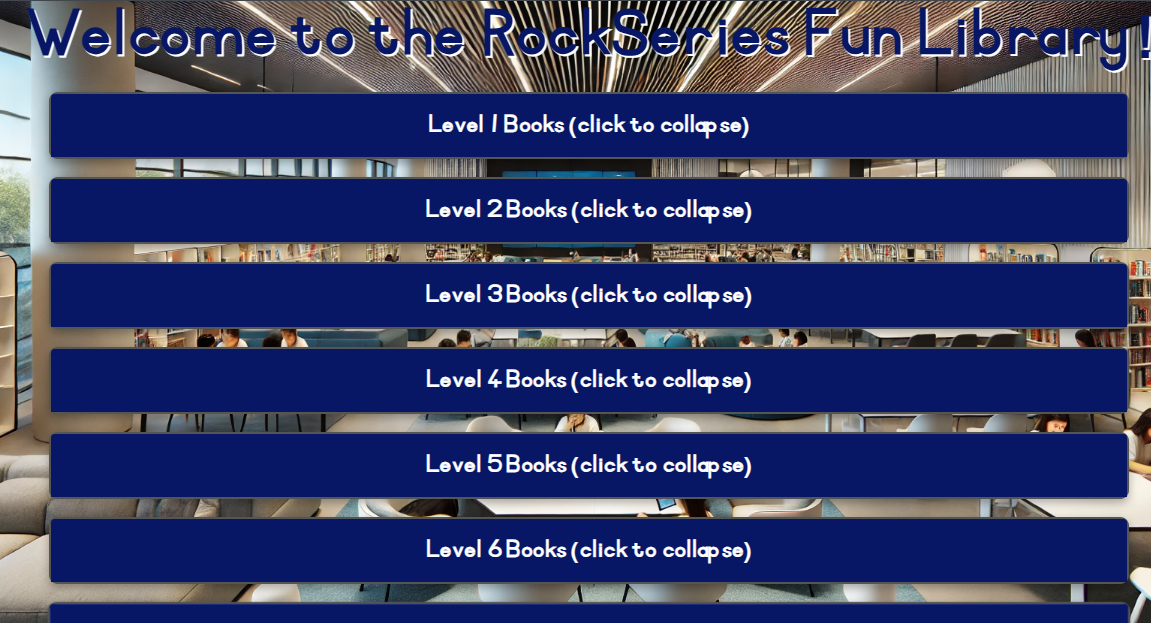
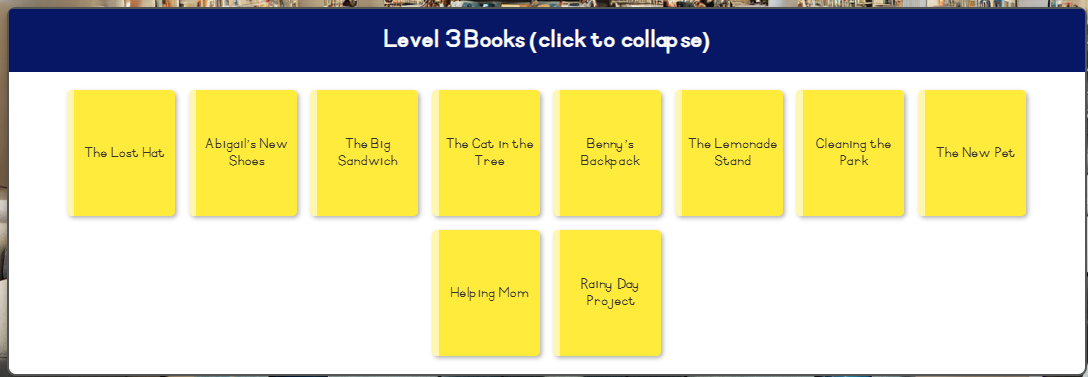
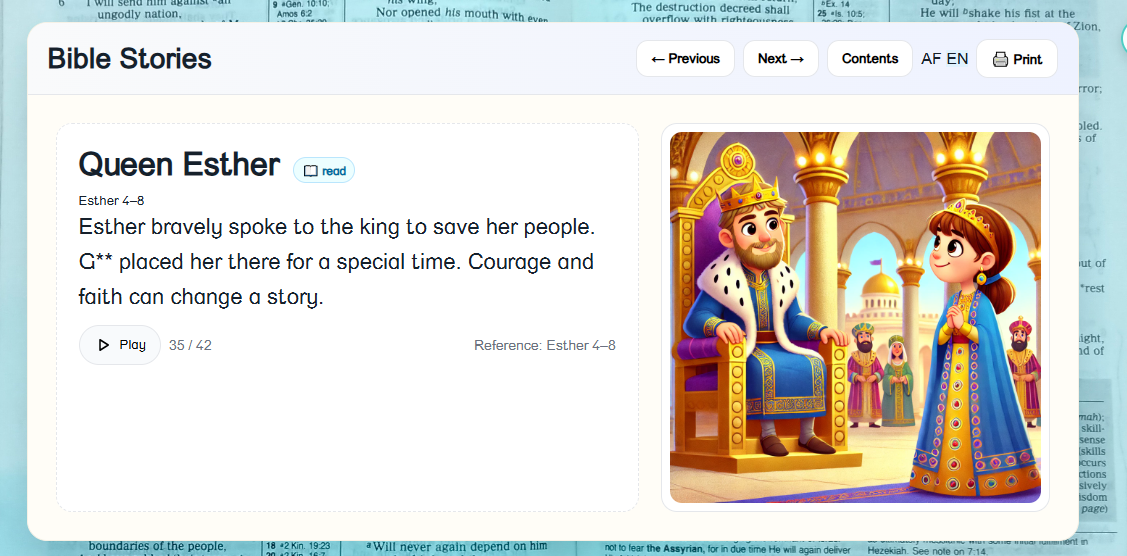
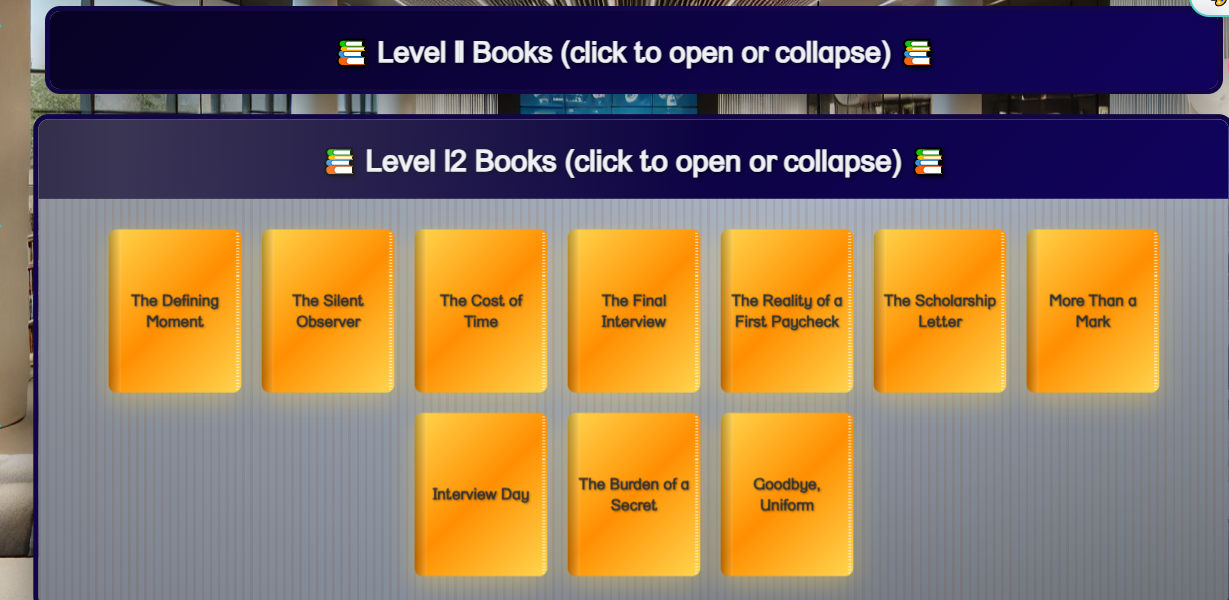
📚 Reading
⚡ Speed Reading
📝 Comprehension
🌍 Geography
🔬 Science
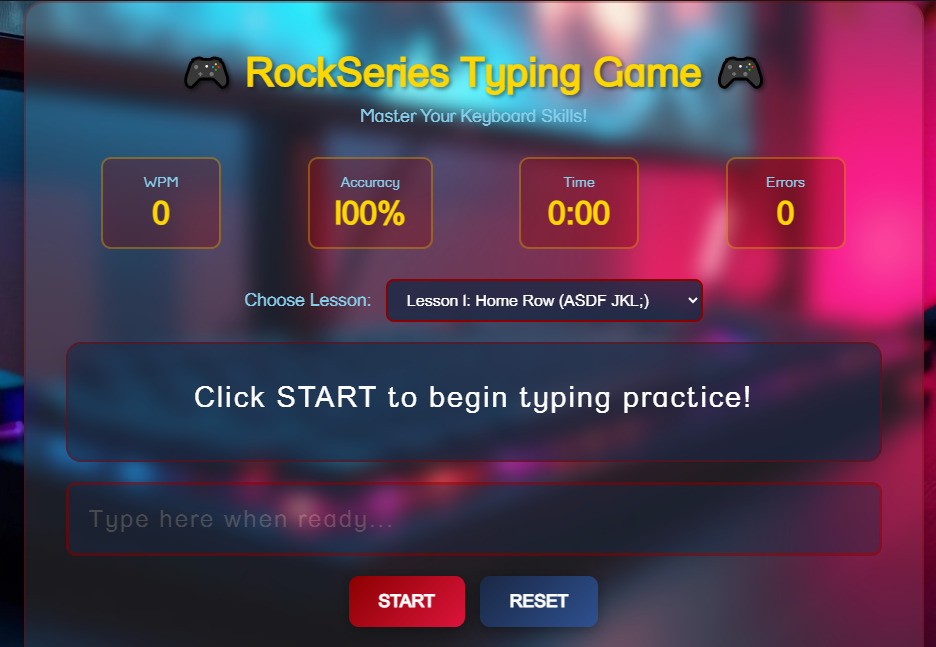
⌨️ Typing
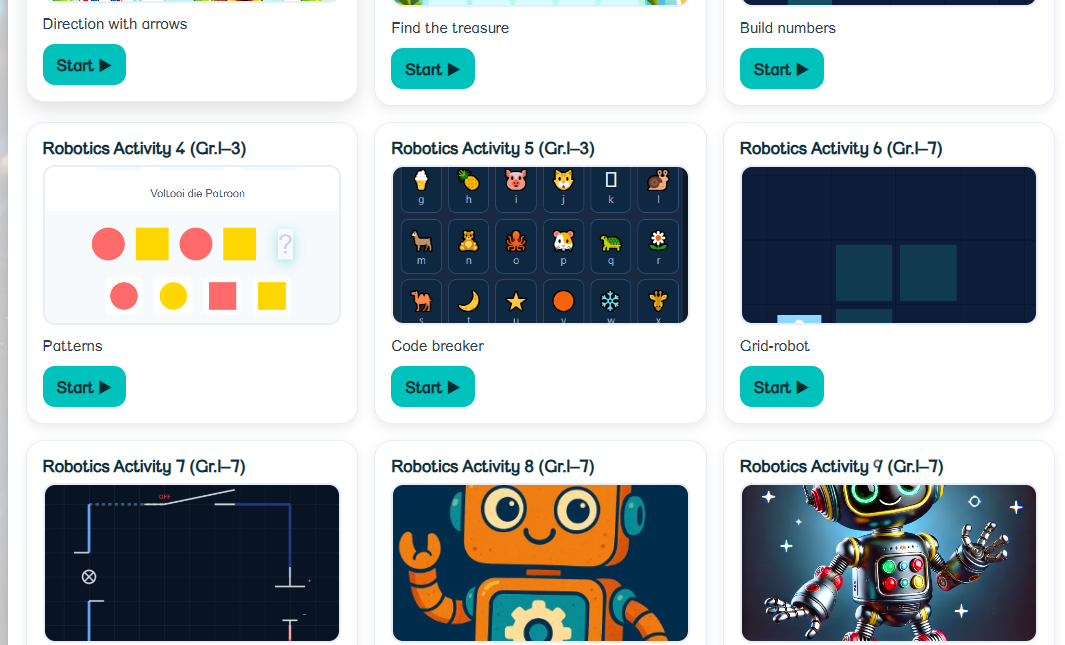
🤖 Robotics
and much more...
Start today — exciting lessons, games & quizzes await!
2 children, 2 grade groups
Up to 2 devices
Learn anytime, anywhere
Loved by families worldwide
Want to earn? WhatsApp Chanine: 0833018159
✅ One login – many learners
✅ Works in labs & at home
✅ Results per learner
✅ 500+ lessons included

"Learners think they're playing… teachers see the data."